
Account & Authentication
Login
Open the LEKTRI.CO app to access the login screen. Enter your email and password to sign in.
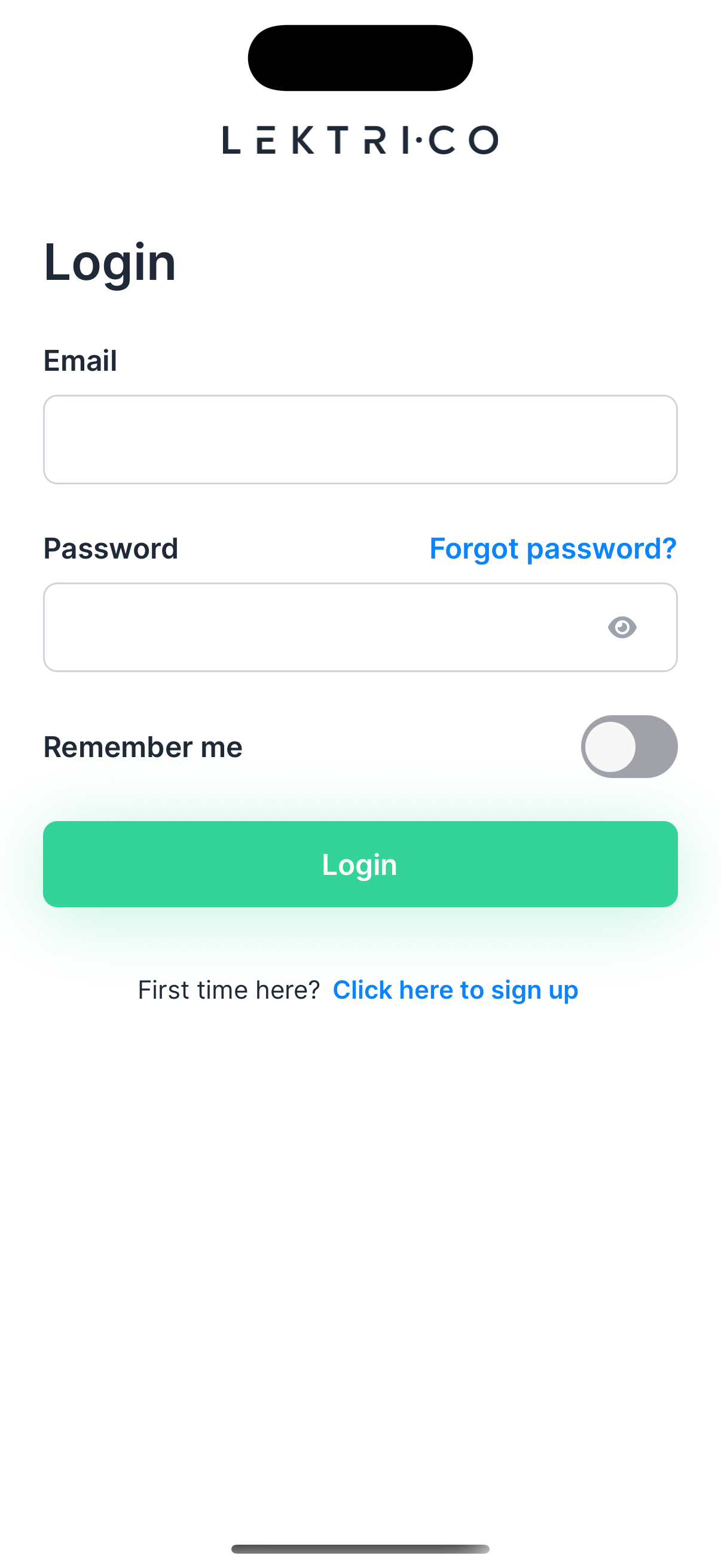
1. Enter your Email and Password.
2. Toggle "Remember me" to stay signed in on this device.
3. Tap "Log in" to access your account.
If you forgot your credentials, tap "Forgot password?" to reset them.
> NOTE: If you do not have an account yet, tap "Click here to sign up" to create one.
---
Register
Create a new LEKTRI.CO account by filling in your personal details.
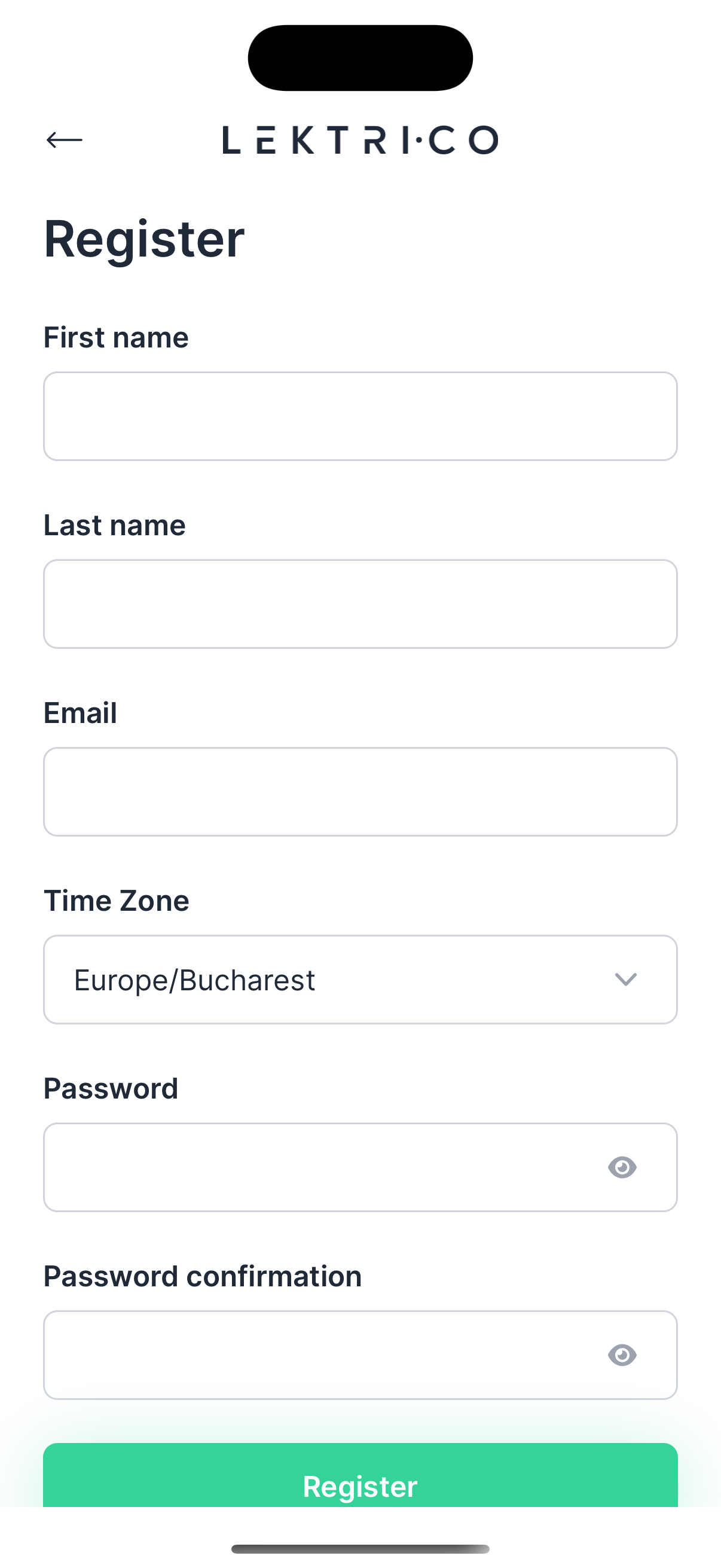
1. Enter your First name, Last name, and Email.
2. Select your Time Zone.
3. Create a Password and confirm it in the Password confirmation field.
4. Tap "Register" to create your account.
---
Email Verification
After registration, you must verify your email address before logging in.
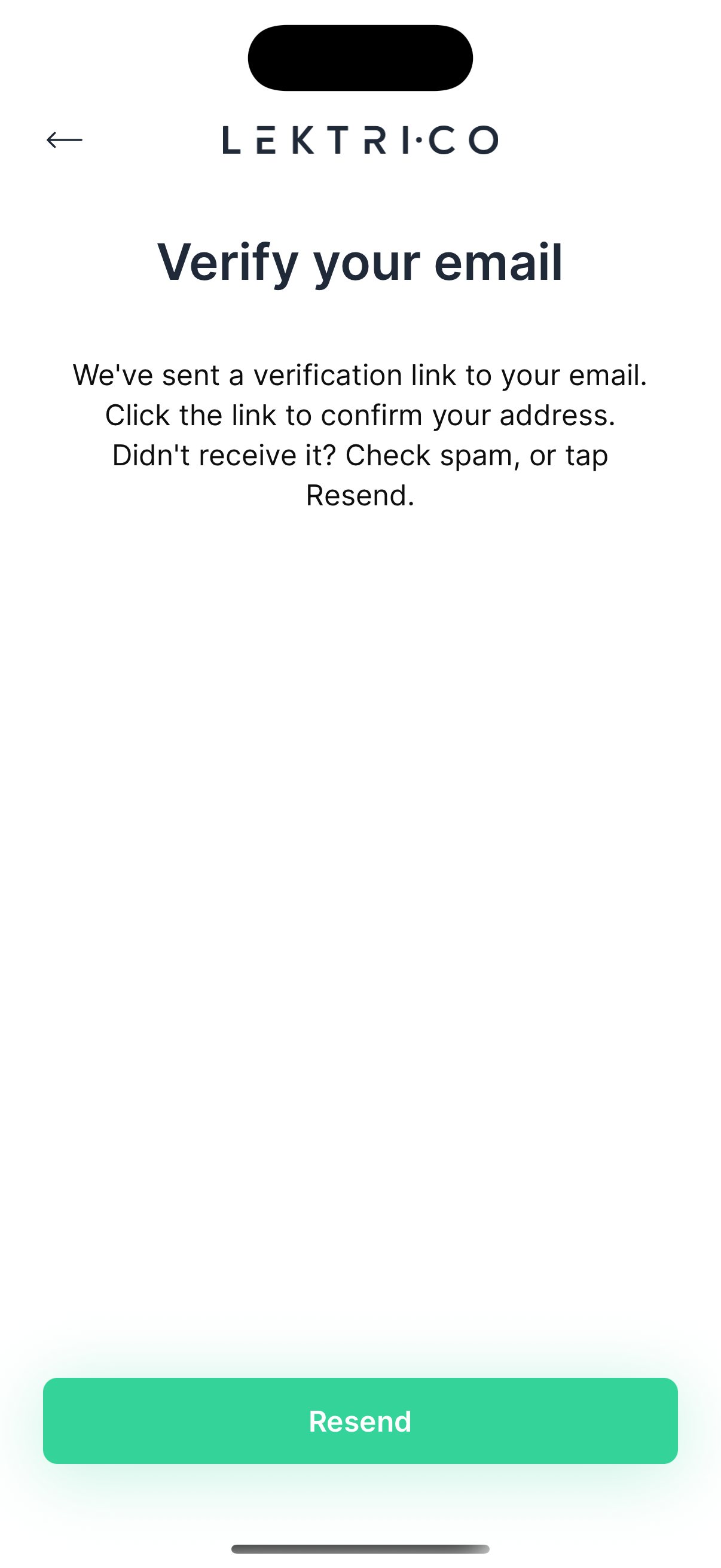
A verification link is sent to the email address you provided. The screen displays: "We've sent a verification link to your email. Click the link to confirm your address. Didn't receive it? Check spam, or tap Resend."
1. Open your email inbox and tap the verification link.
2. If you did not receive the email, tap "Resend" to send it again.
3. Tap "Back to Register" to return to the registration screen if needed.
> NOTE: The "Resend" button has a cooldown timer. Wait for it to expire before requesting another email.
> WARNING: Check your spam or junk folder if the verification email does not appear in your inbox.
---
Password Reset
If you forgot your password, you can request a reset link via email.
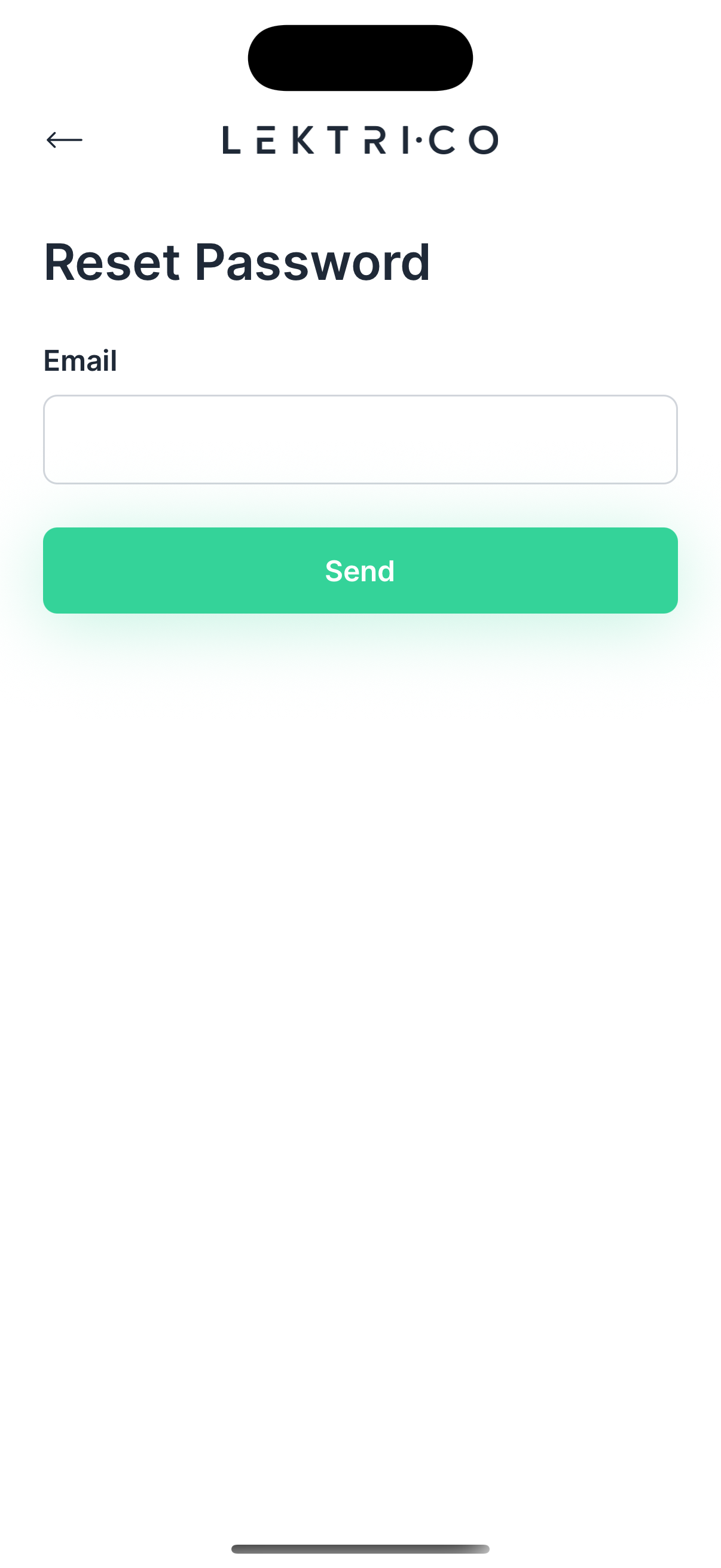
1. Tap "Forgot password?" on the login screen.
2. Enter your registered email address.
3. Tap "Send" to receive a password reset link.
A password reset link will be sent to your email. Follow the instructions in the email to set a new password.
> NOTE: If you do not receive the email, check your spam folder or try again after a few minutes.