
Energy Meter Setup
Welcome
Thank you for purchasing a LEKTRI.CO smart meter. Before starting the setup, make sure your device is properly installed and mounted.
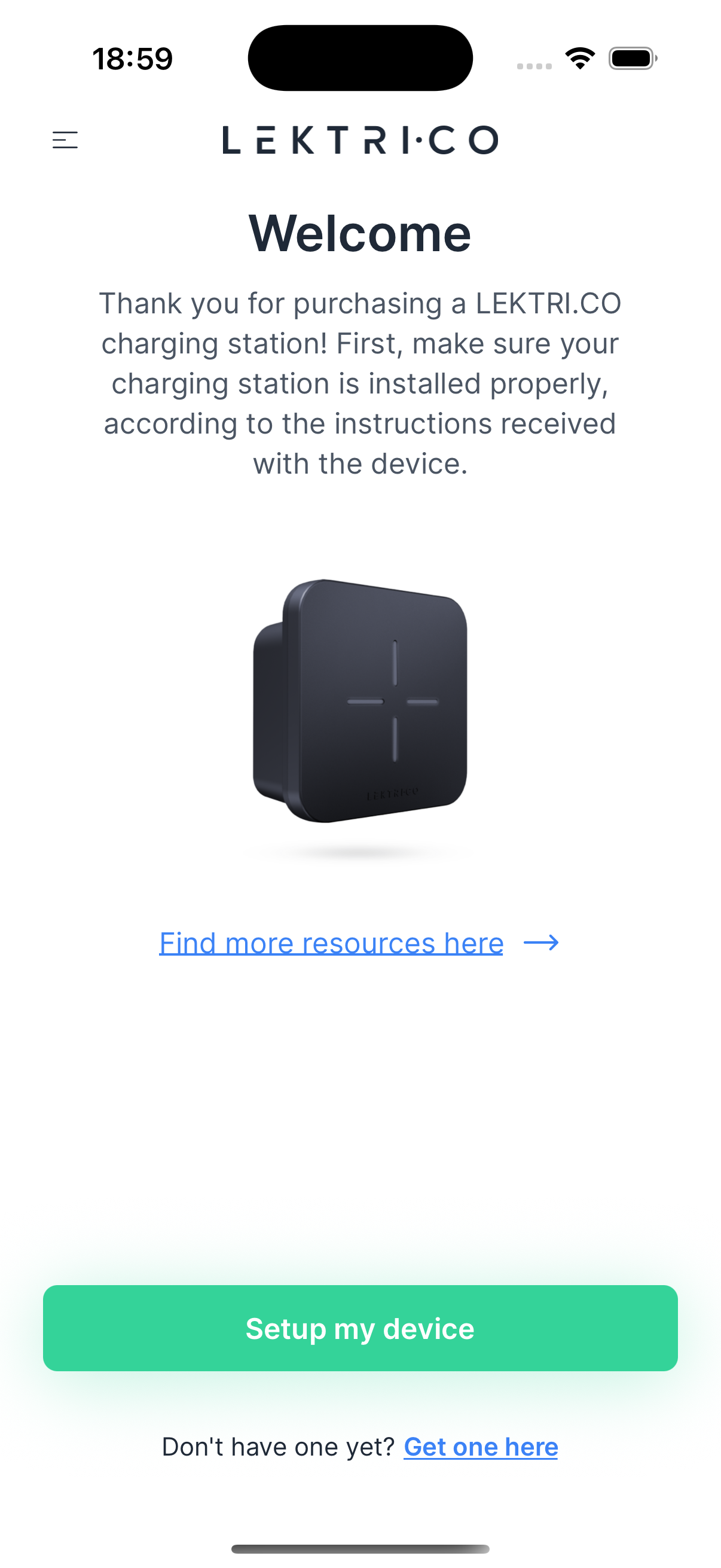
1. Verify that your smart meter is correctly installed.
2. Tap "Setup my device" to begin the setup process.
---
Searching for Devices
The app searches for nearby meters using WiFi. Keep your phone close to the meter during this step.
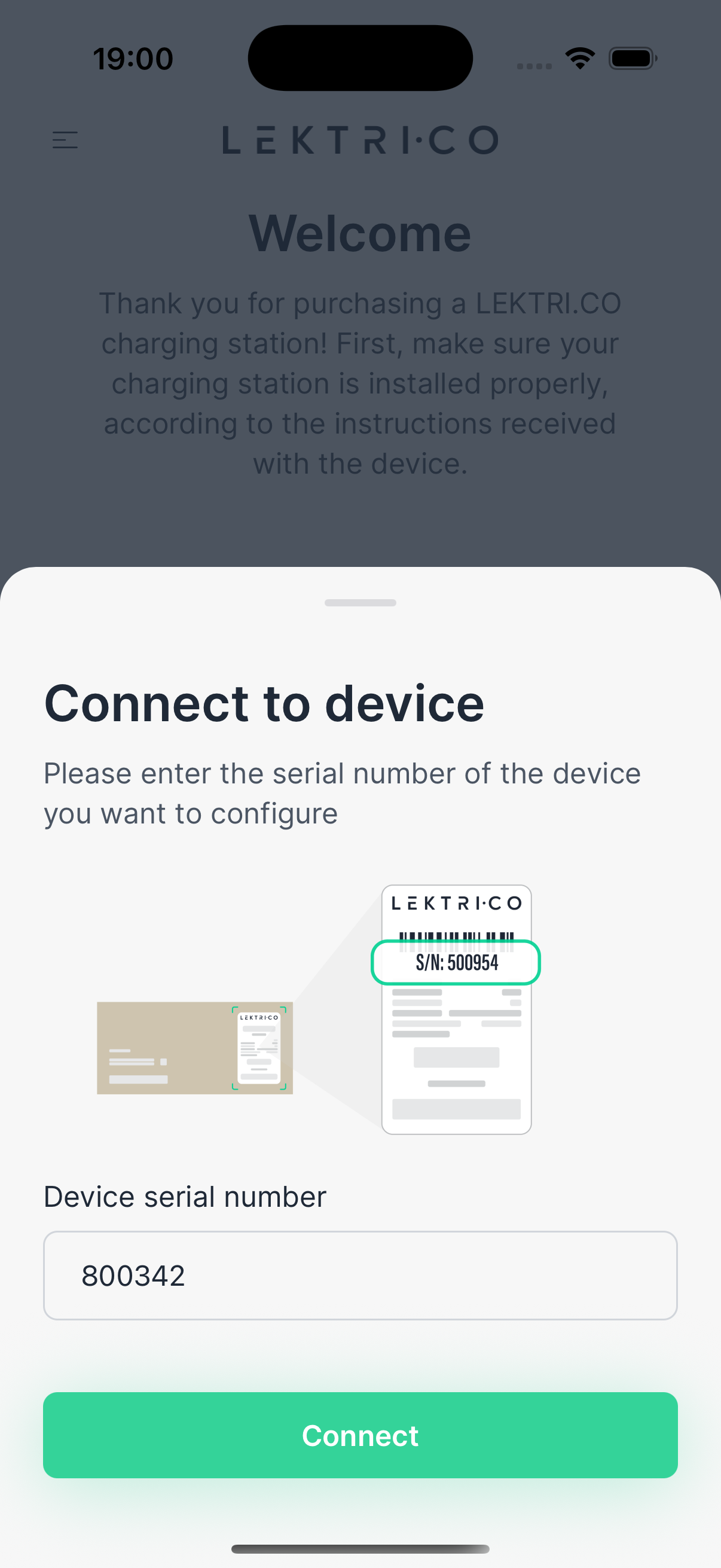
1. Ensure Wifi and location is enabled on your phone.
2. Hold your phone within 2-5 meters of the smart meter.
3. Wait for the app to detect available devices. ( on android, on iOS you need to insert the serial of the smart meter )
4. Select your meter from the list of found devices. ( only on android, on iOS will try automatically to connect to it )
> NOTE: If no devices appear, move closer to the meter and make sure it is powered on.
---
Connecting to Meter
After selecting a device, the app establishes a Bluetooth connection with the meter.
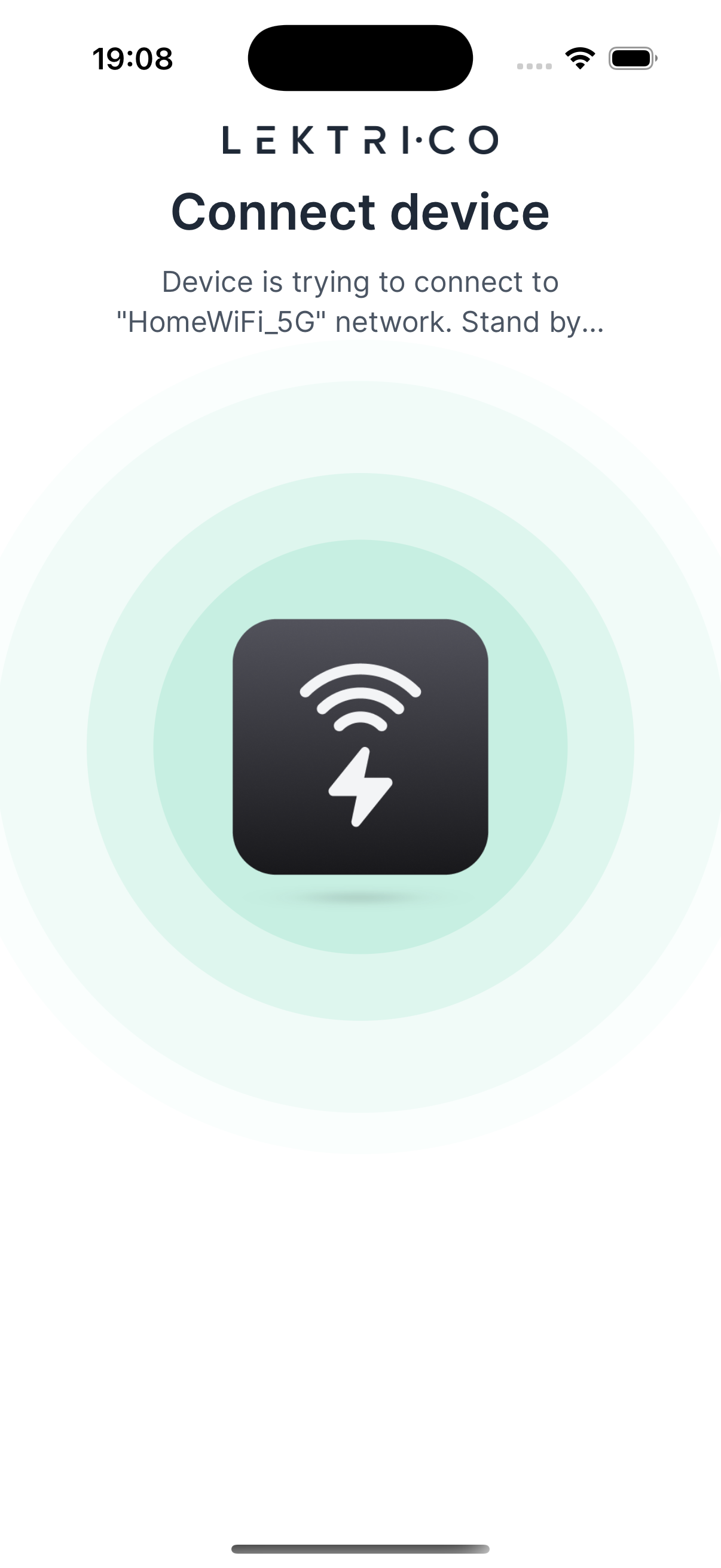
1. Tap on the found device to initiate the connection.
2. Wait for the "Connecting" loading screen to complete.
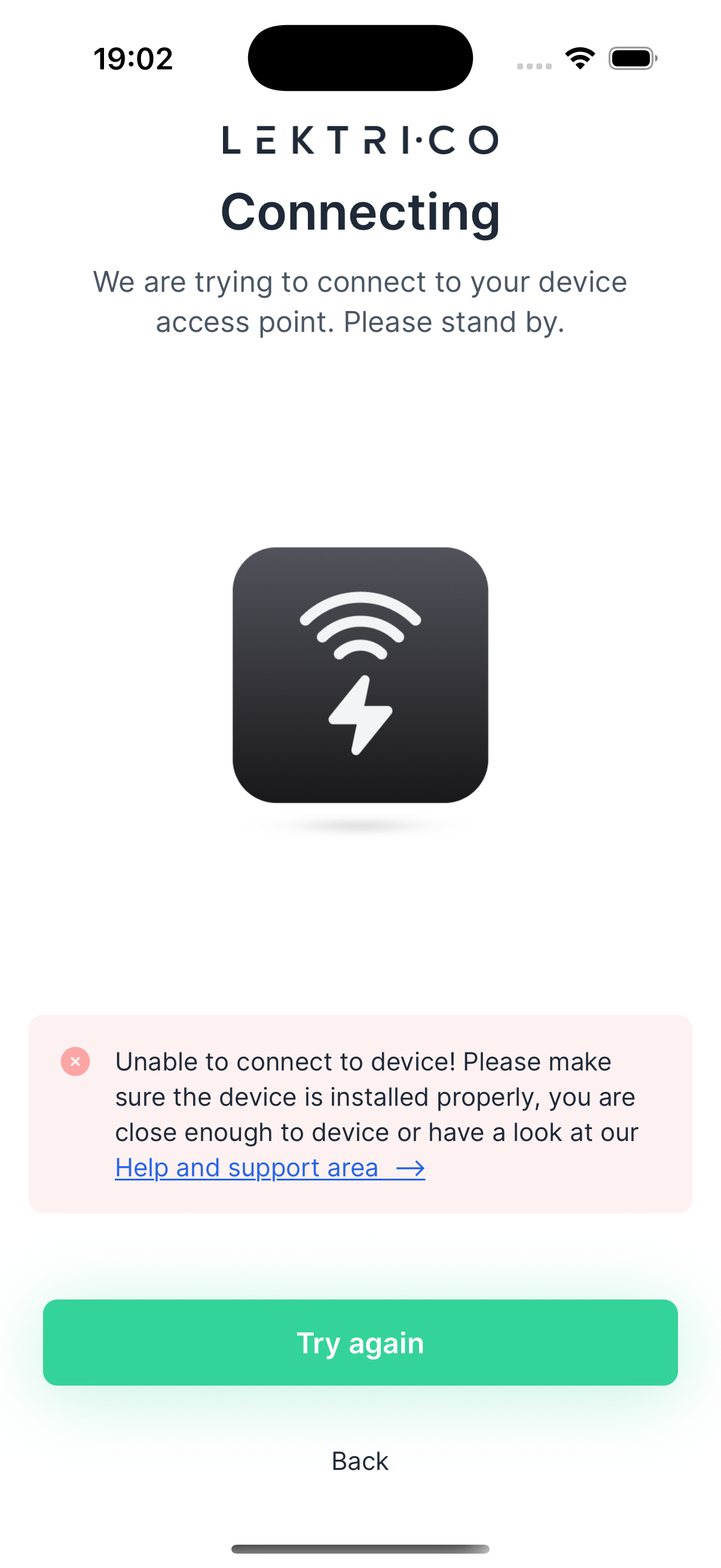
If the connection fails:
1. Verify the meter is properly installed and powered on.
2. Ensure your phone is close enough to the device (within 2-5 meters).
3. Tap "Try again" to retry the connection.
> WARNING: If the connection continues to fail, restart the meter and your phone, then try again.
---
Installer PIN
Set a 4-digit PIN to restrict access to power-related settings. This PIN protects your installer configuration from unauthorized changes.
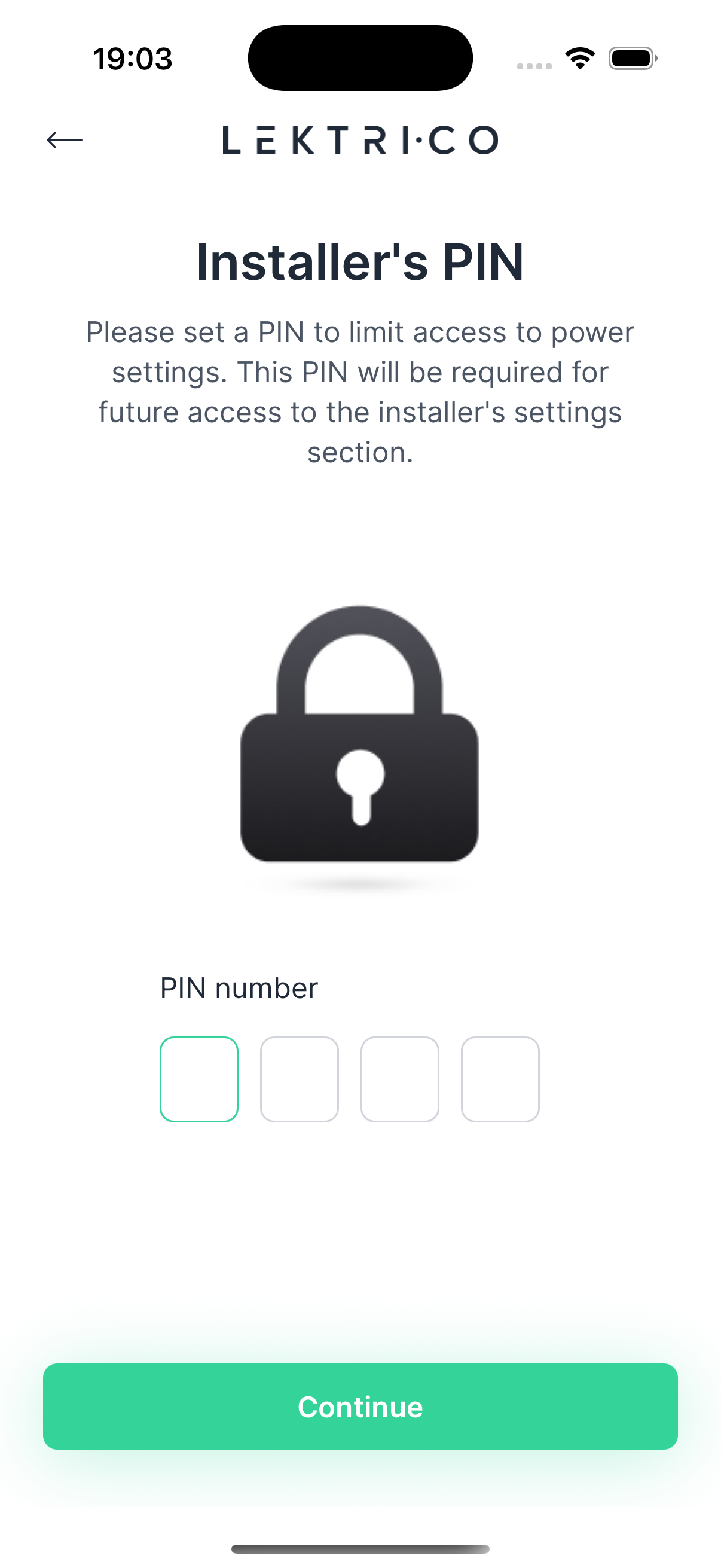
1. Enter a 4-digit PIN of your choice.
2. Tap "Continue" to proceed.
> WARNING: Remember this PIN. It will be required for future access to installer settings.
---
Breaker Rating Configuration
Configure the rating of your main circuit breaker. This value is essential for safe operation and accurate load balancing.
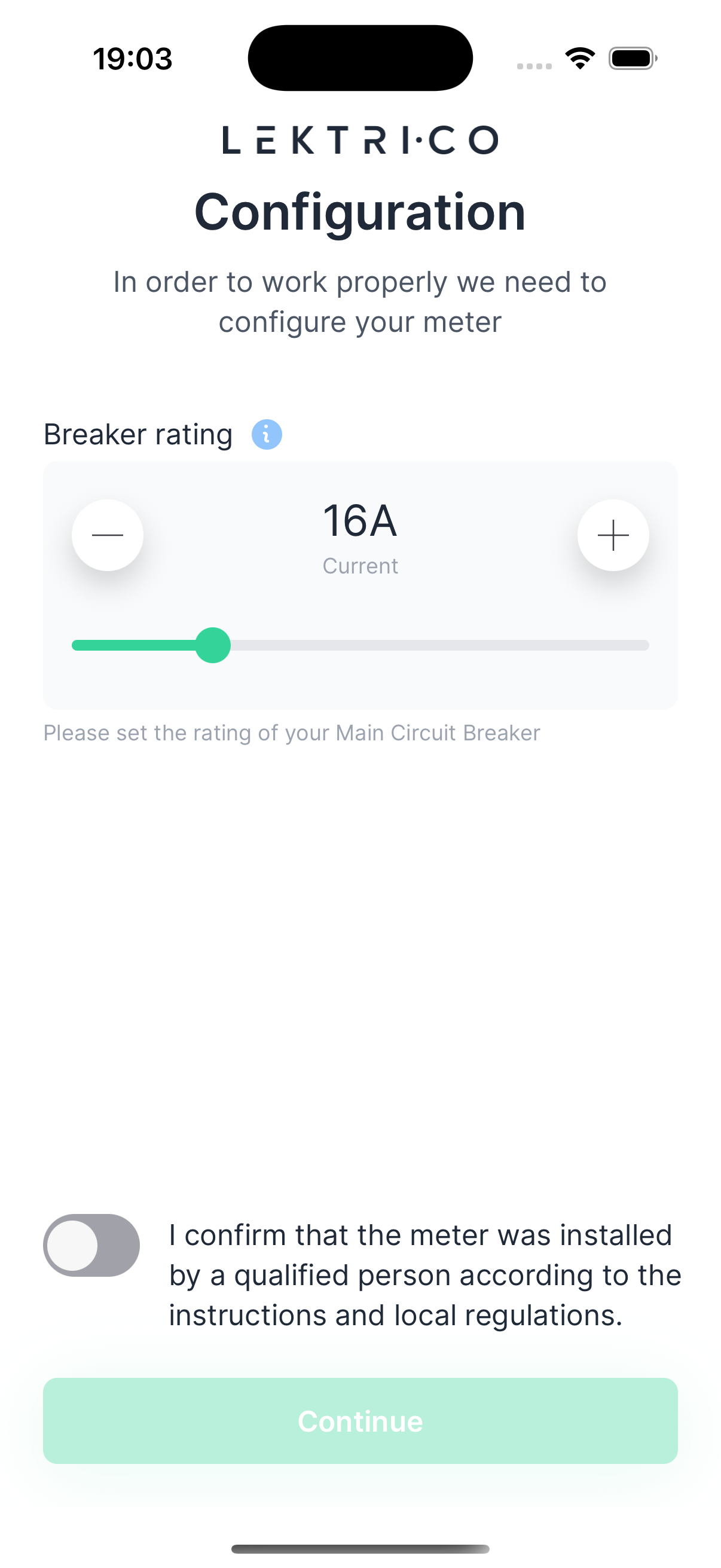
1. Select the amperage that matches your main circuit breaker (6A-120A).
2. Tap "Continue" to proceed.
> WARNING: Setting an incorrect breaker rating may lead to overloaded circuits. Verify the value with your electrician if unsure.
---
Usage Mode
Choose how your smart meter connects and communicates with the LEKTRI.CO platform.
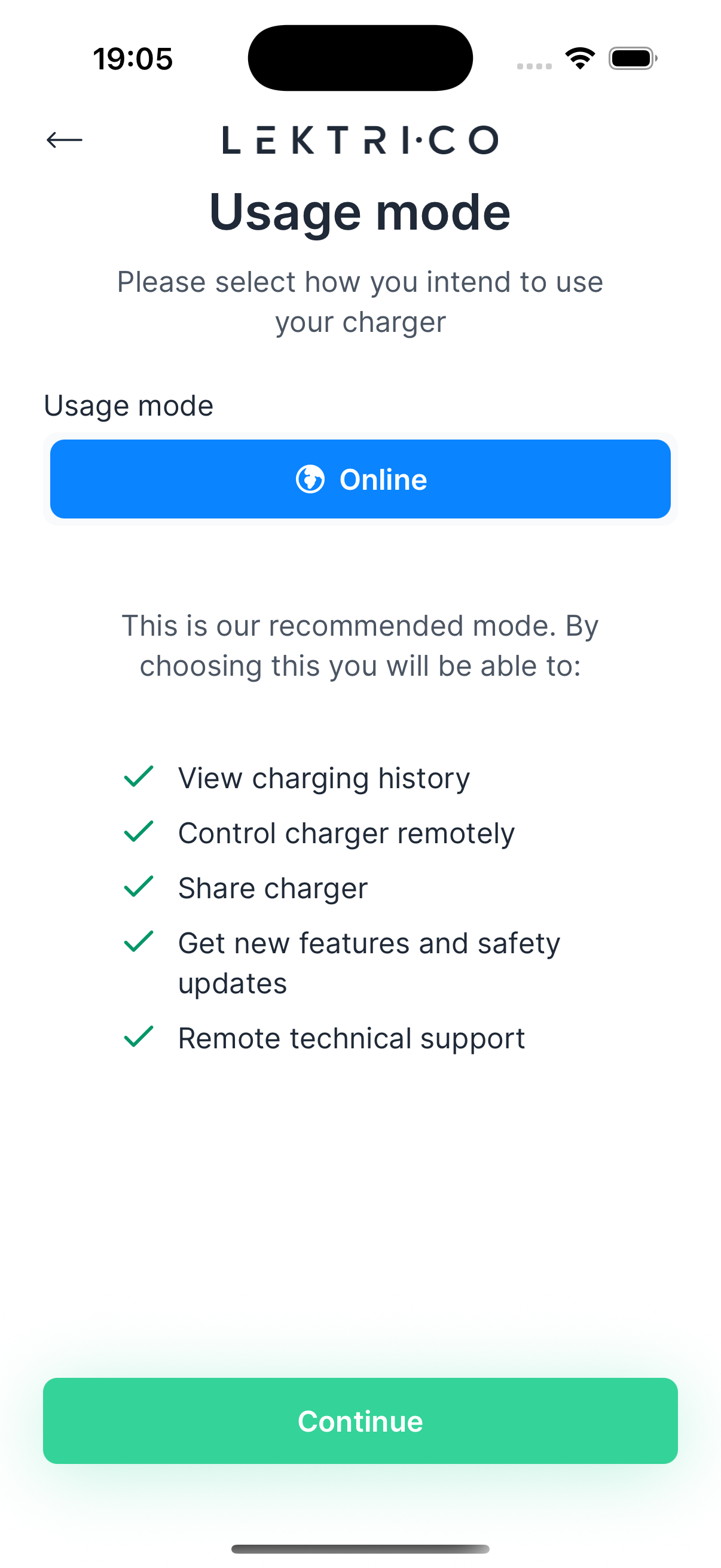
Online:
- View charging history
- Control your charger remotely
- Share your charger with others
- Receive new features and safety updates
- Access remote technical support
Tap "Continue" to proceed.
---
WiFi Configuration
Connect your smart meter to your home WiFi network for online functionality.
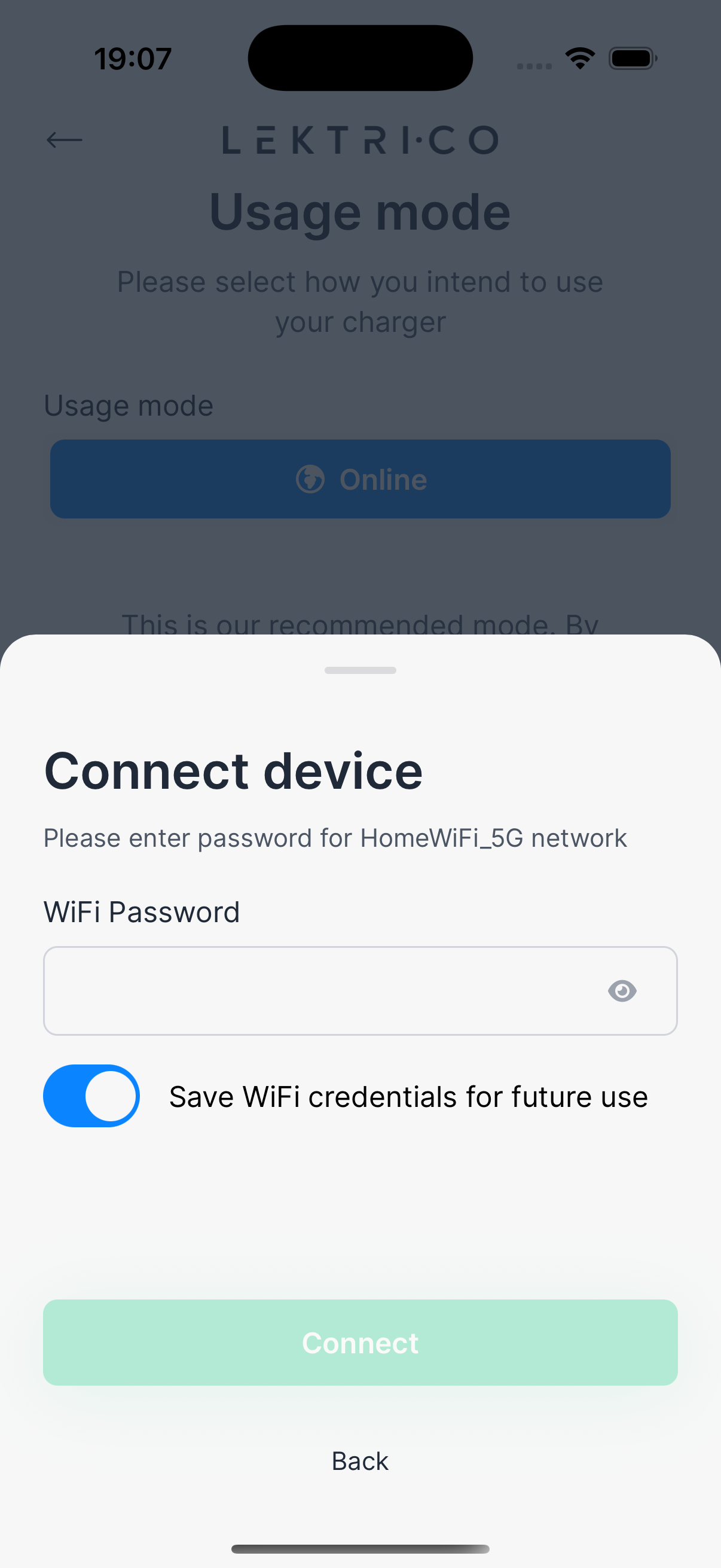
1. Select your home WiFi network from the list of available networks.
2. Enter your WiFi password.
3. Tap "Connect" to begin the connection process.
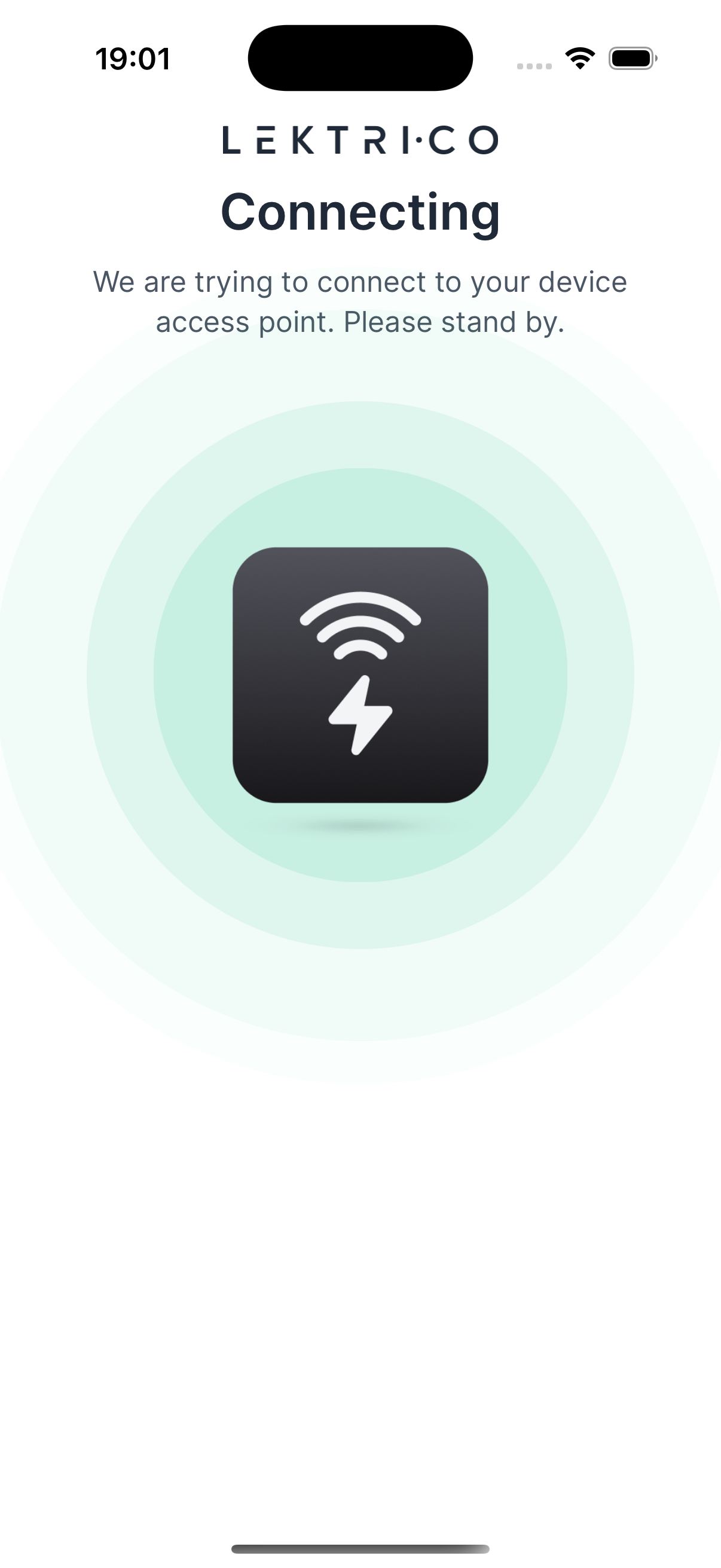
4. Wait while the app configures your device to use the selected network.
> NOTE: Make sure your WiFi network is 2.4 GHz compatible.
---
Setup Complete
Your LEKTRI.CO smart meter is now configured and ready to use.
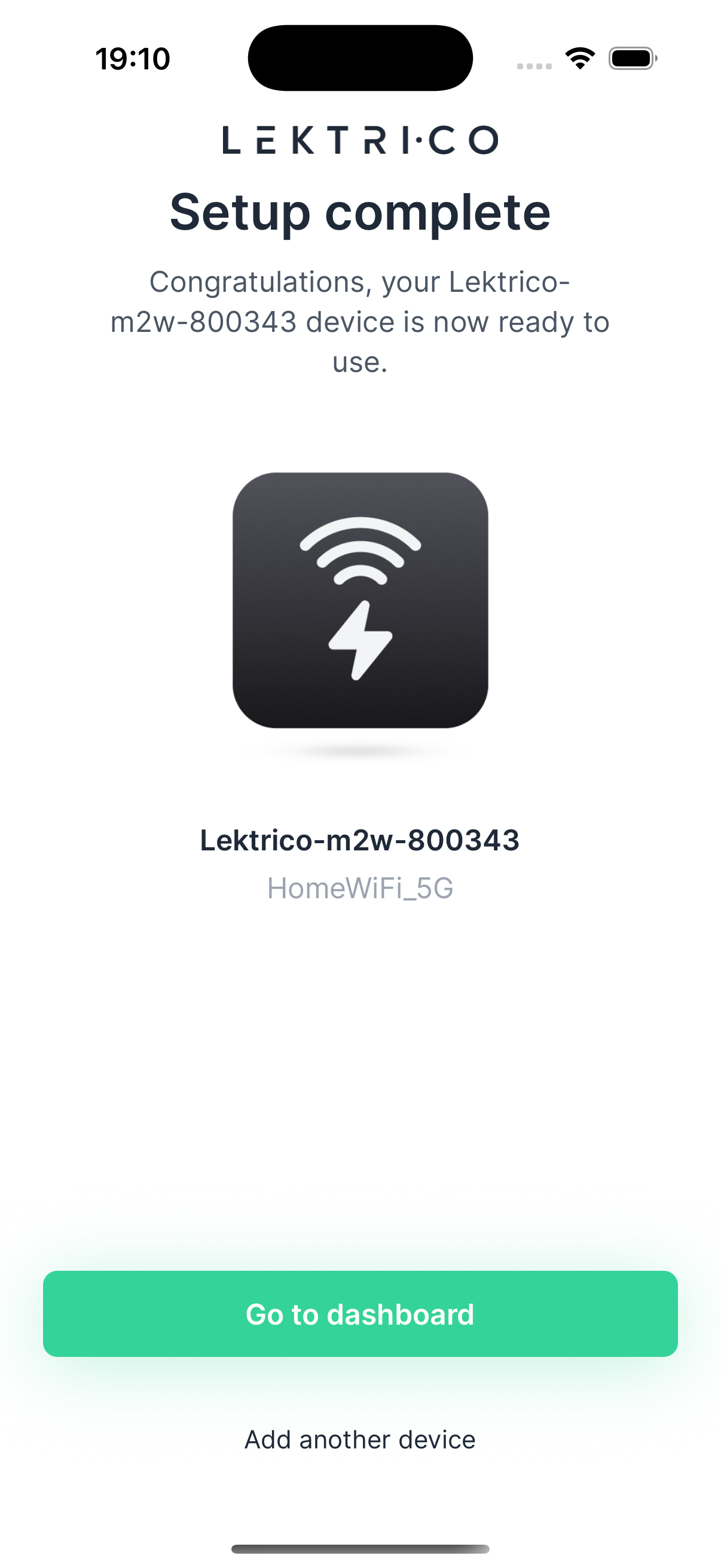
1. Tap "Go to dashboard" to start using your meter.
2. Tap "Add another device" if you have additional devices to configure.
---
Troubleshooting: Disconnect
If the device disconnects from your phone WiFi during the setup process, you can attempt to reconnect.
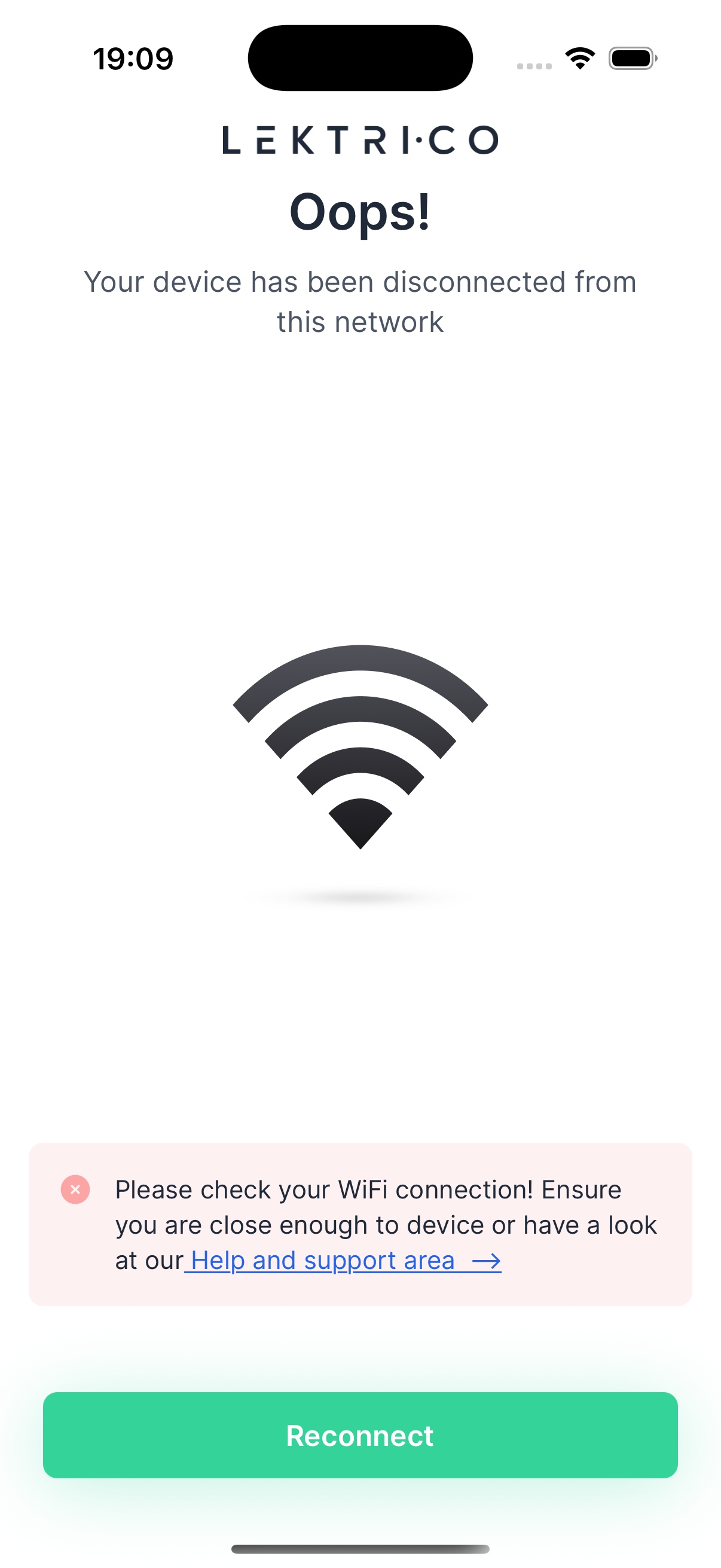
1. Verify that your WiFi connection is active.
2. Ensure your phone is still within range of the meter.
3. Tap "Reconnect" to re-establish the connection and resume setup.
> WARNING: If disconnections persist, check your WiFi signal strength near the meter and restart the device if necessary.